 About QMSالعربيةRequest a demo
Home/Solutions/Appointment booking
Appointments
Appointment booking system that joins the queue on time.
An appointment booking system lets visitors reserve a time before they come. With QMS, booked visitors check in on arrival and join the same calling flow as walk-ins, so appointments stay on time and walk-in waits stay short.
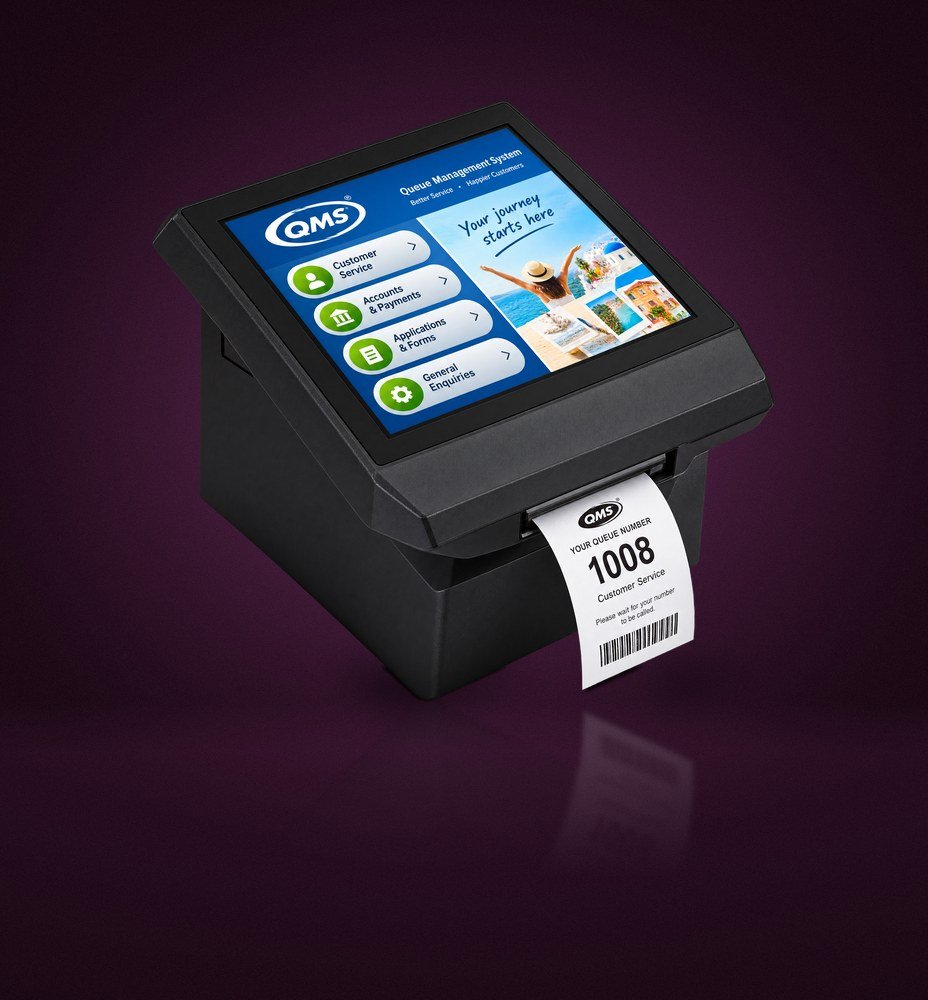 Check in at a QMS kiosk
Why book
Plan demand before it arrives.
Appointments spread busy periods across the day and let staff prepare for longer services.
Book a time
Visitors choose a service, branch and time slot that suits them.
Check in on arrival
Booked visitors confirm their arrival at the kiosk and receive their ticket.
Priority at the right moment
Service rules decide how booked visitors are called alongside walk-in tickets.
Staff ready in advance
Teams see the day’s bookings and plan counters around them.
How it fits
One flow for booked and walk-in visitors.
Appointments are most useful for services that take longer or need documents prepared, such as account opening, specialist clinics or permit applications. Everyone else keeps using walk-in tickets.
Because booked and walk-in visitors meet in the same QMS queue, your displays, voice calls, feedback and reports cover the whole day without a second system.
- Configurable services, branches and time slots
- Check-in at kiosk on arrival
- Reports that compare booked and walk-in demand
Booking · illustrative
Appointment booking options depend on the configuration agreed for your project. We confirm the booking channels, reminders and integrations during the demonstration.
FAQ
Appointment questions
Can appointments and walk-ins share the same counters?
Yes. Service rules balance both, so booked visitors are called on time and walk-ins keep moving.
How do visitors check in for an appointment?
On arrival they confirm their booking at the kiosk or on their phone and take their place in the queue.
Can we see missed appointments?
Yes. Reports show booked, attended and missed appointments by service and branch.
Map your booked services with us.
Tell us which services need appointments and we will show you how they flow into your QMS queue.