 About QMSالعربيةRequest a demo
Home/Products/Counter and main displays
Queue displays
Queue display screens that call every visitor clearly.
Queue display screens show which ticket is being served at which counter. QMS main displays come in 32, 40, 55 and 60 inch sizes, with token displays for banking halls and a display at each counter, plus Arabic and English voice calling.
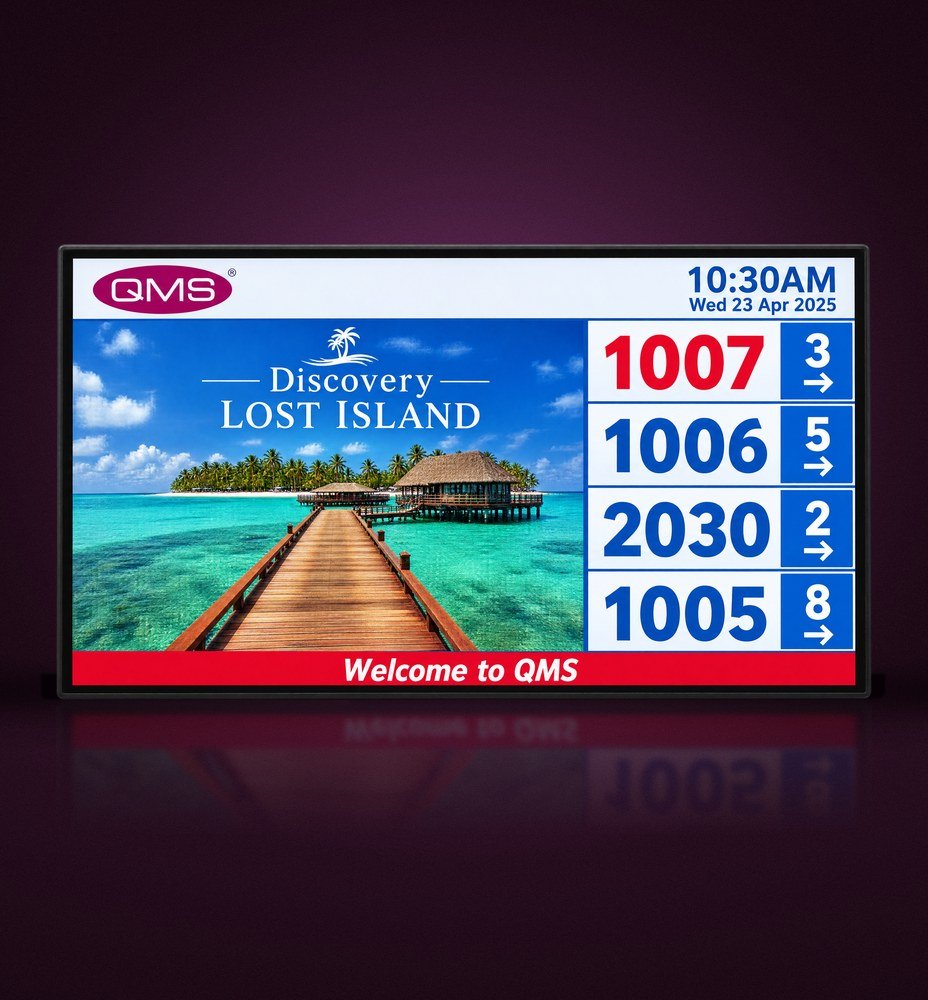 QMS main display
Main display
Main display for the waiting area.
A large screen that shows the latest called numbers with their counters alongside your own content. When a number is called, a chime and a voice announcement in Arabic and English bring the visitor to the right counter.
The Multimedia Information Display option turns the same screen into digital signage, with content scheduled and managed centrally from head office.
- Latest tickets and counters always on screen
- Videos, images, web content and RSS between calls
- Landscape or portrait, full screen or multi-window layouts
- Content updated over the network and scheduled centrally
- Available in 32, 40, 55 and 60 inch sizes and combinations of large screens

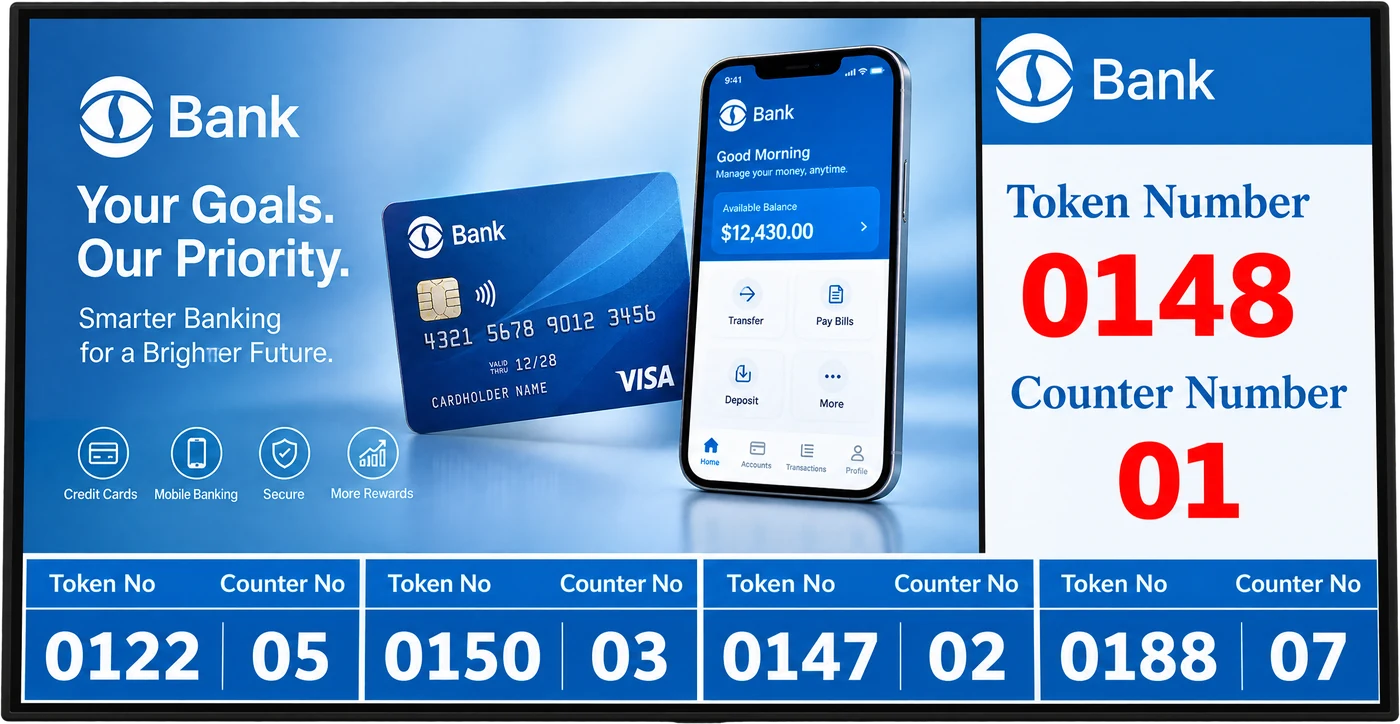
Bank token display
Token displays for banking halls.
Banking halls often need more detail on screen. The QMS bank token display shows the current token and counter in large numbers, a running list of recent calls and space for your product messages.
- Current token and counter number
- Recent calls for every counter
- Branded promotional area
At the counter
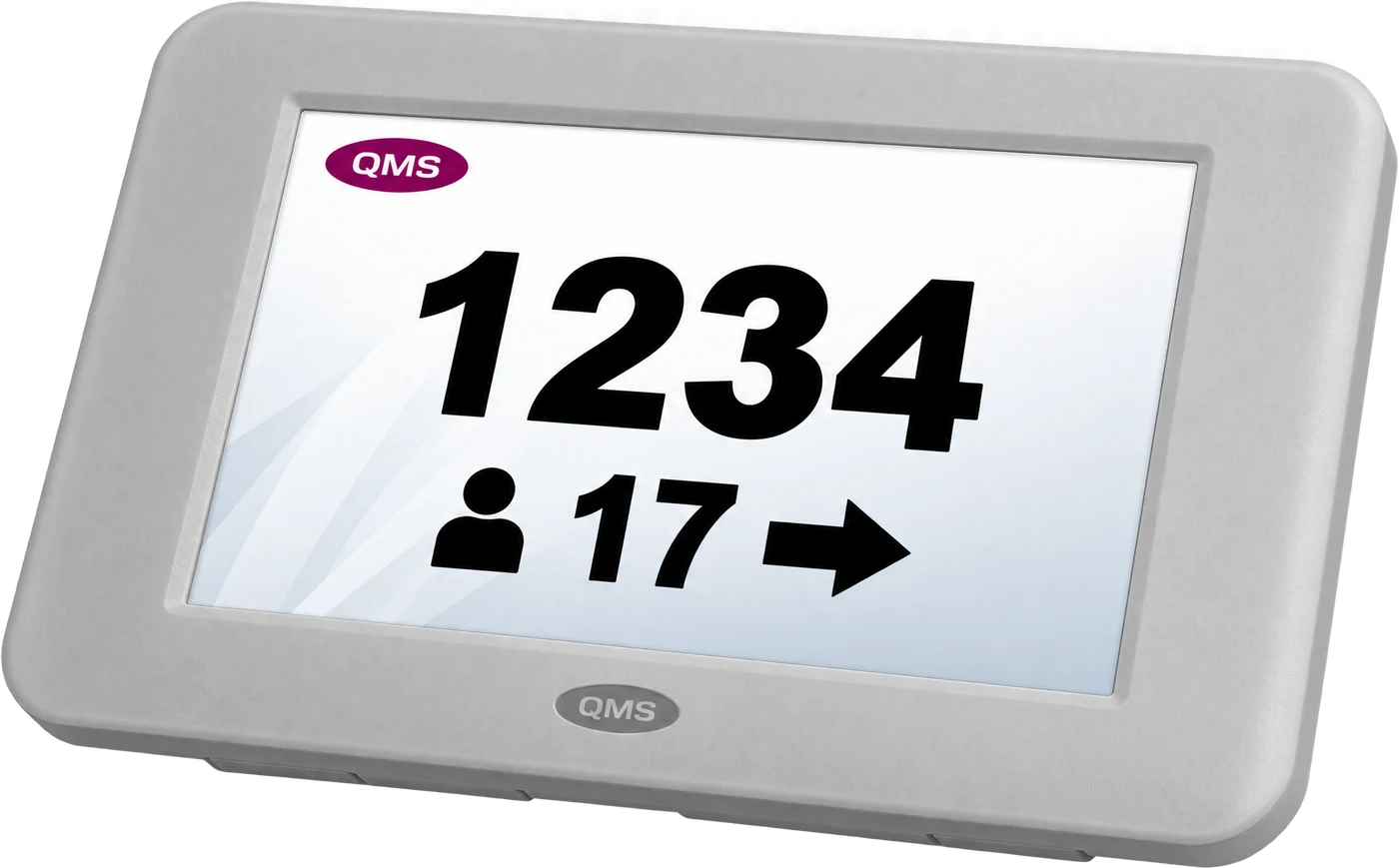
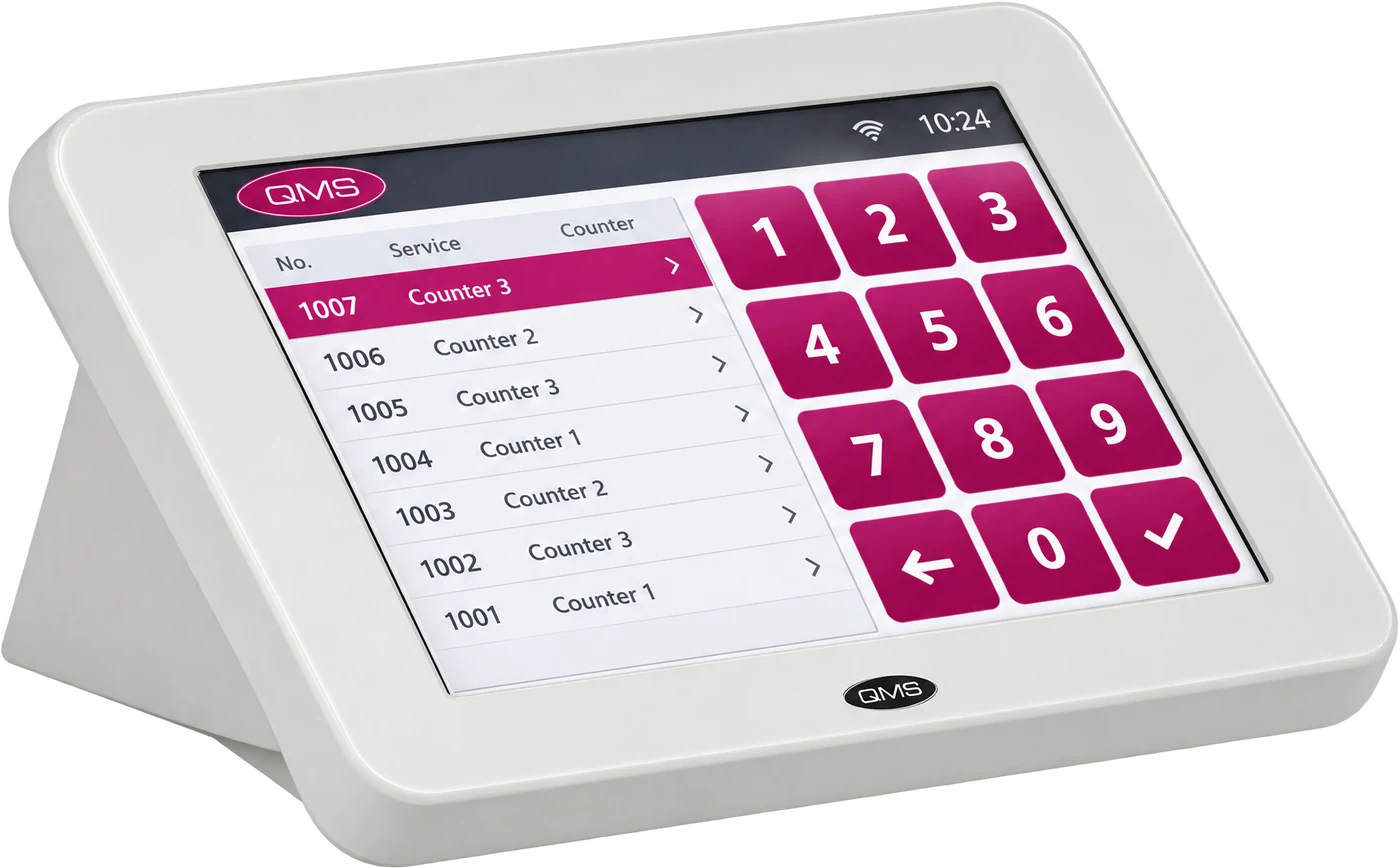
Counter displays and staff terminals.
Each counter shows the number it is serving, while staff call the next visitor from a simple terminal.

Doctor room display
Doctor room displays for clinics and OPD rooms.
Mounted beside each consultation room, the doctor room display introduces the doctor and shows the room number with the patient’s queue number when it is called. Between calls it can play health messages and clinic information.
- Doctor profile with photo, name and qualifications
- Room number and queue number in large figures
- Health and clinic messages between calls
- Managed from the same QMS software as your other displays
Related products
Complete your hall.
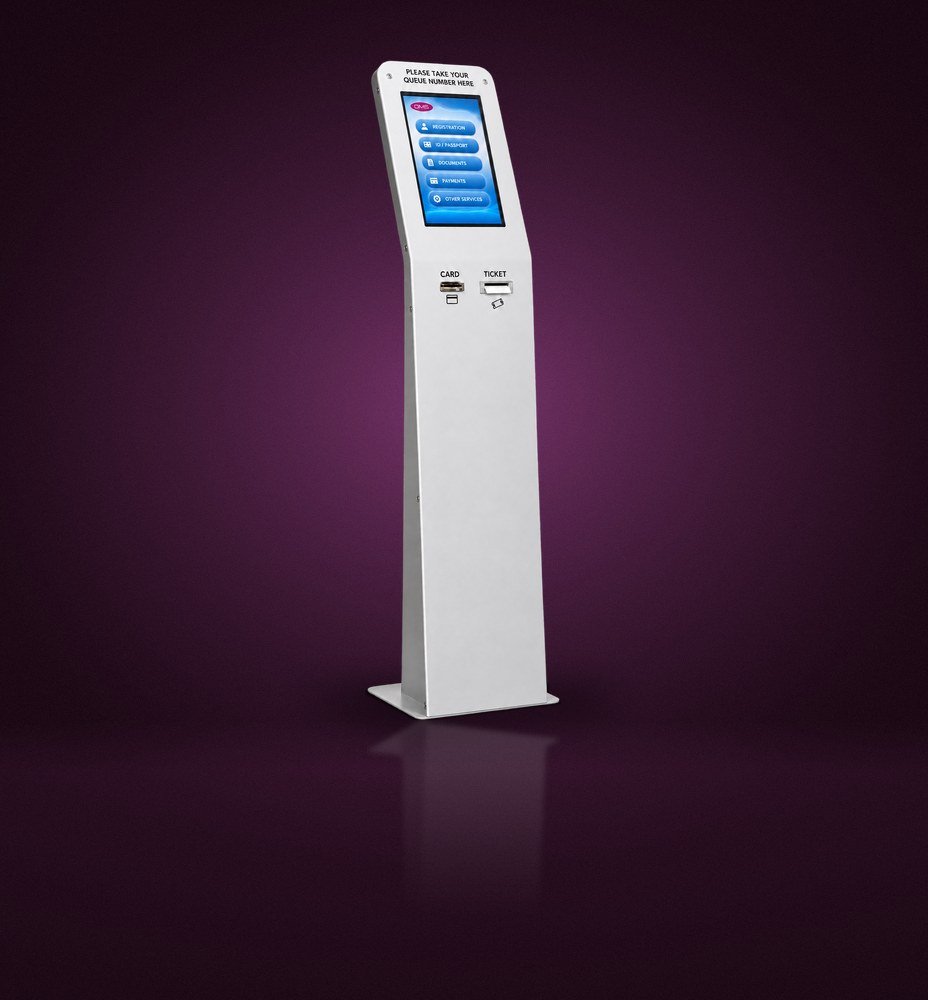
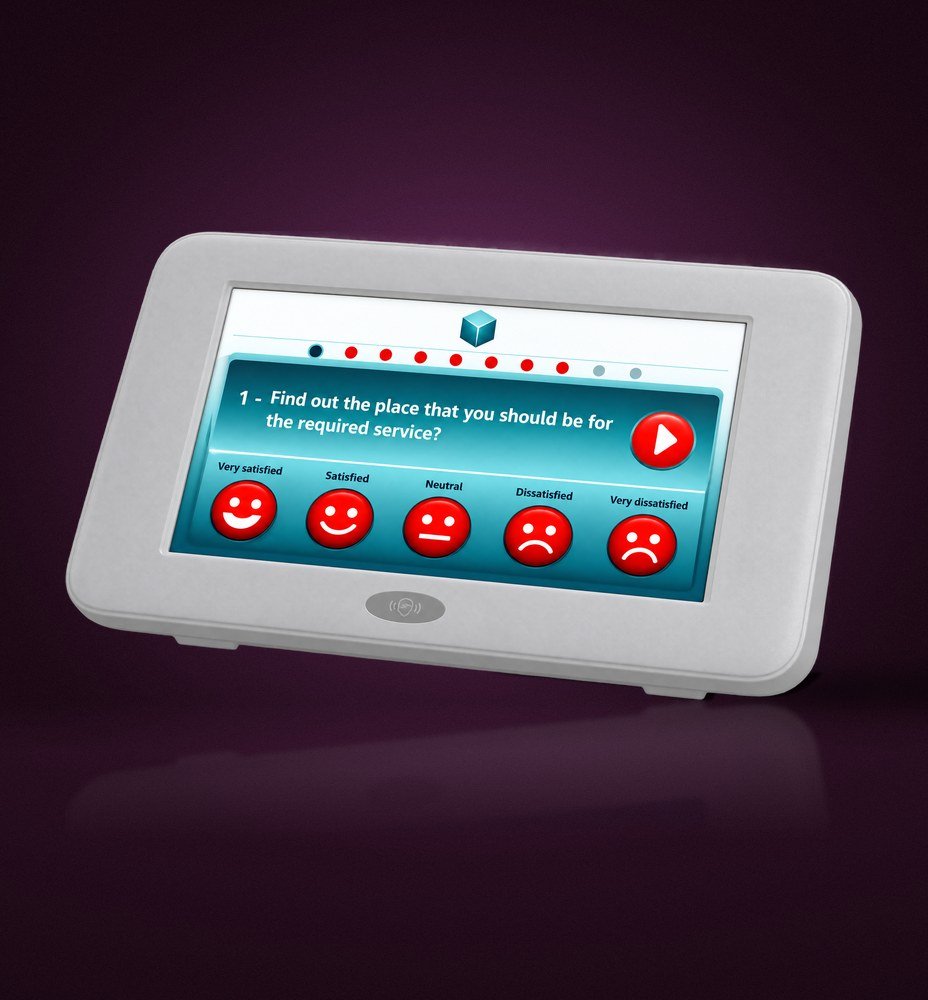
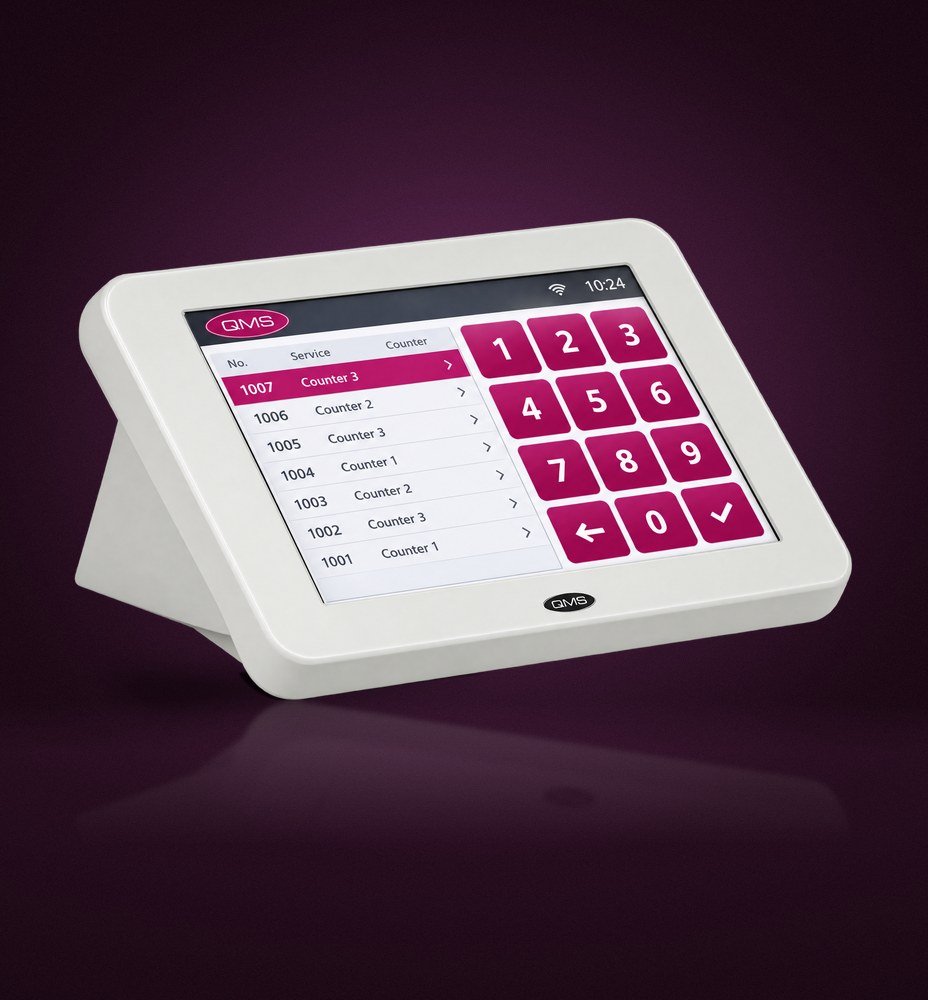
Products shown are original QMS hardware. Screen sizes and mounting are confirmed for each project.
FAQ
Display questions
What is the difference between a main display and a counter display?
The main display sits in the waiting area and shows the latest calls for the whole hall. A counter display sits on or above each desk and shows the number being served there.
Can the main display show our own videos and offers?
Yes. Between calls, the main display can play your videos, offers and information.
Are numbers also called by voice?
Yes. Calls can be announced in Arabic and English as well as shown on screen.
Which screen size do we need?
It depends on viewing distance and the size of the hall. We recommend sizes and positions during the site survey.
Plan the displays for your hall.
We will recommend screen sizes, positions and content that suit your space and your visitors.