 About QMSالعربيةRequest a demo
Healthcare
Hospital queue management for calmer waiting rooms.
A hospital queue management system guides each patient from registration to consultation, cashier and pharmacy with one ticket. QMS calls patients by number and room in Arabic and English, gives priority to elderly patients and shows managers live waiting times.
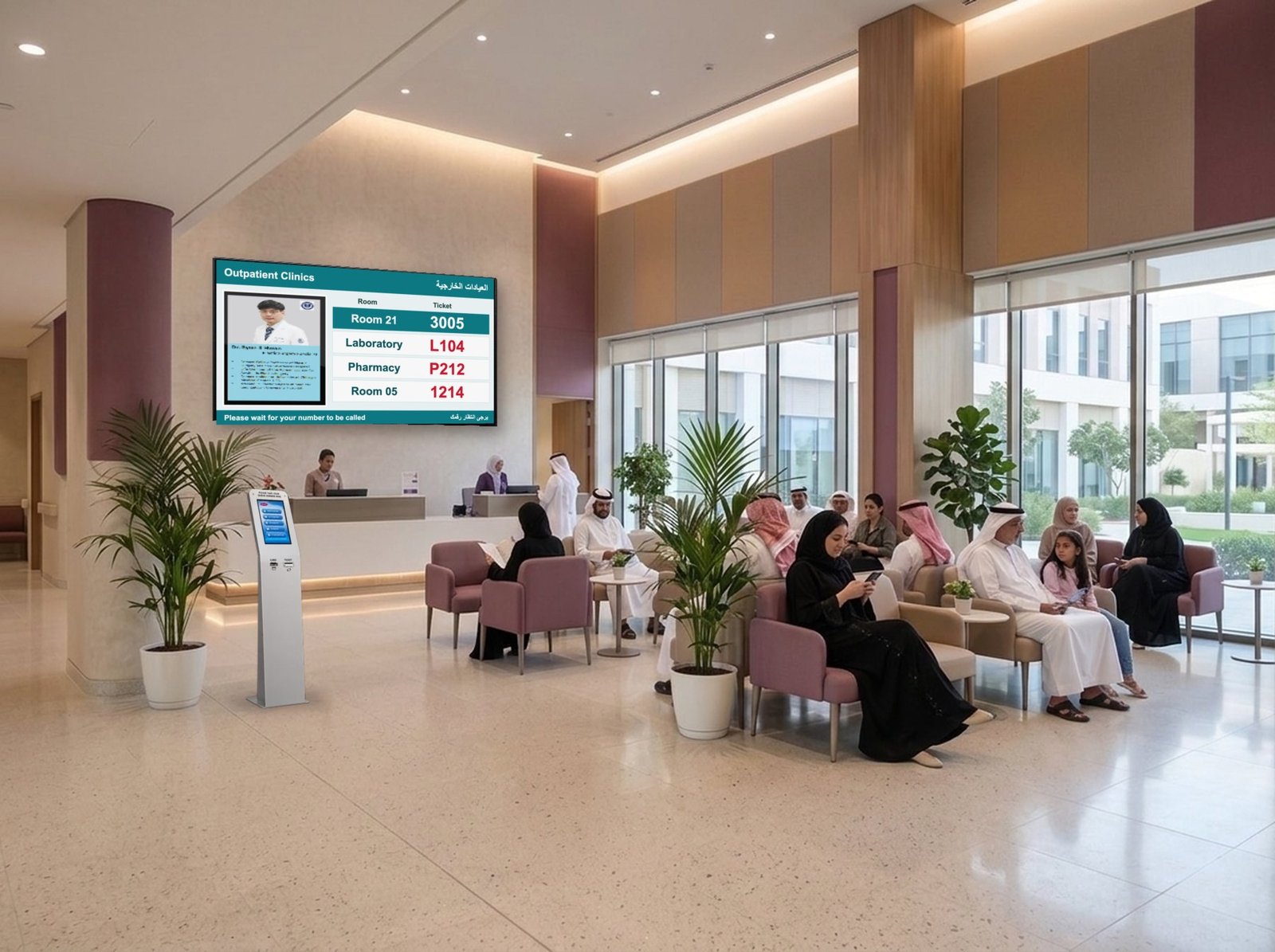 QMS in a hospital waiting area
The challenge
Heavy patient loads and complex journeys.
Large establishments carry heavy patient loads, and administration quickly becomes a burden for staff and patients alike. Long queues lower the quality of care and the experience.
In hospitals and polyclinics a single visit moves from one queue to another: registration, consultation, cashier and pharmacy. Patients need to be directed to the right rooms, and their records tracked for payment and dispensing.
How QMS helps
- One patient ticket that follows the whole visit
- Calling to consultation and service rooms with clear displays and voice
- Priority for elderly patients and special cases
- Privacy-friendly calling by number, not by name
- Waiting times by department, room and doctor
Typical journey
From arrival to pharmacy.
Register
Patients take a ticket at the kiosk or by WhatsApp and register at reception.
Consult
Displays call each patient to the right consultation room.
Pay
The same ticket moves to the cashier queue without a new number.
Collect
Pharmacy calls the patient when the prescription is ready.
At the consultation room
A display at every doctor’s door.
Mounted beside each consultation room, the doctor room display introduces the doctor and shows the room number with the patient’s queue number when it is called. Between calls it can play health messages and clinic information.
- Doctor profile with photo, name and qualifications
- Room number and queue number in large figures
- Health and clinic messages between calls
- Managed from the same QMS software as your other displays
Recommended products
The QMS setup we usually recommend.
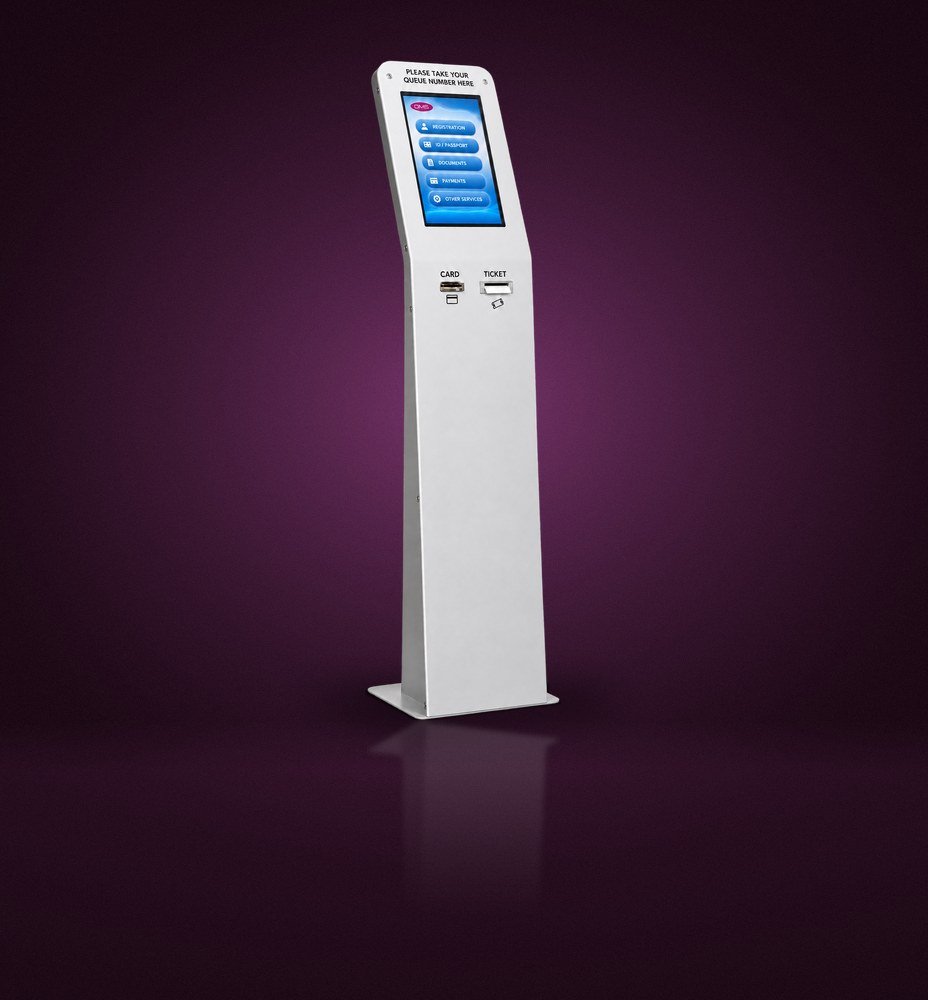
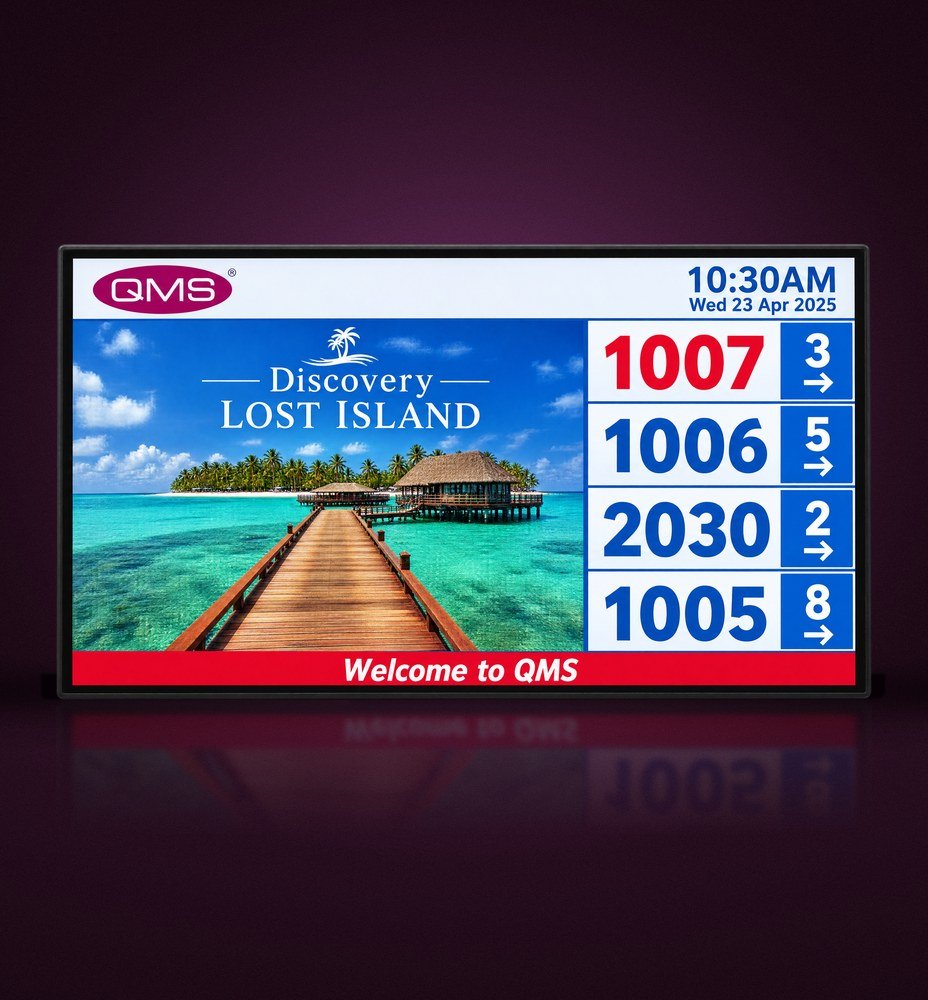
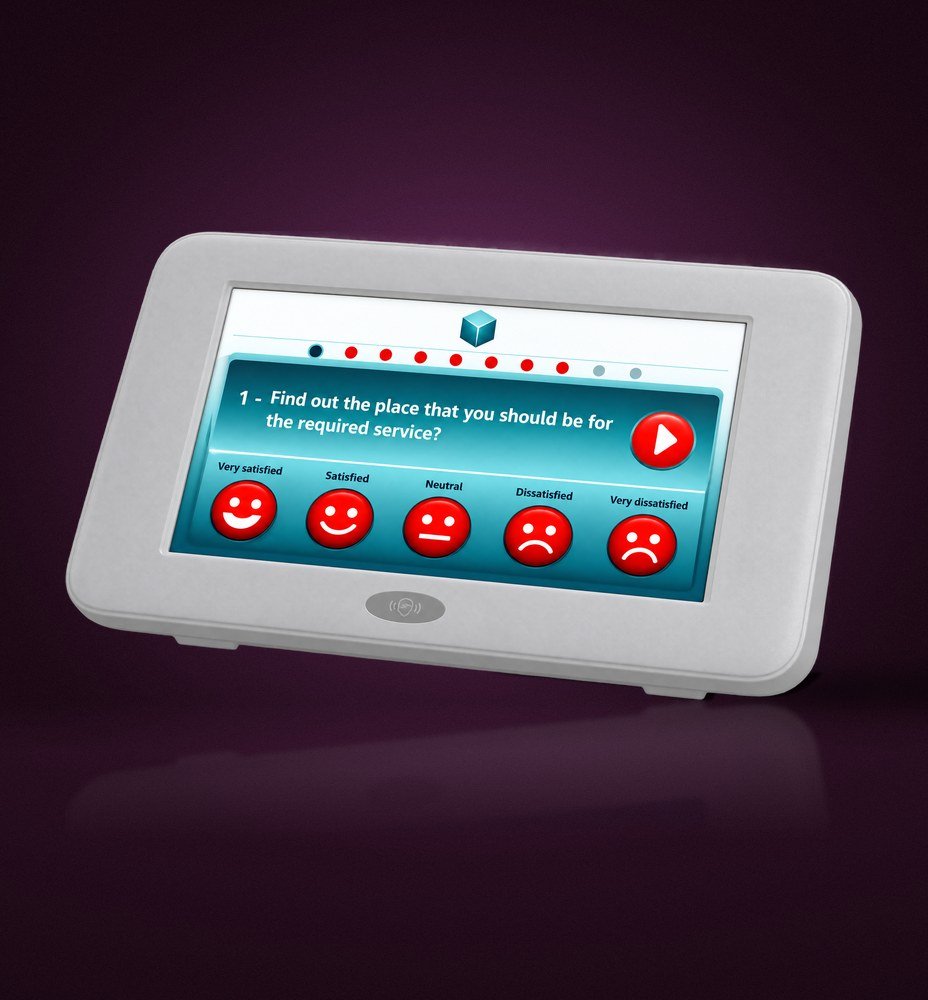
Products shown are original QMS hardware. The final setup is designed around your floor plan and services.
FAQ
Questions from healthcare teams
Can one ticket follow a patient through several departments?
Yes. QMS can transfer a ticket from registration to consultation, cashier and pharmacy, so the patient keeps one number for the whole visit.
Can we call patients by room?
Yes. Displays and voice calls can direct patients to consultation rooms, laboratories and service points.
Do you support priority patients?
Yes. Service rules can give priority to elderly patients, people with disabilities and other groups you define.
Does calling by number protect patient privacy?
Yes. Patients are called by ticket number and room instead of by name.
See QMS in a patient journey.
Bring your clinic or hospital floor plan. We will map the patient flow and show the matching QMS setup.