

 About QMSالعربيةRequest a demo

QUEUE INTELLIGENCE FOR THE MIDDLE EAST
Smarter Queue Management,
Happier Customers
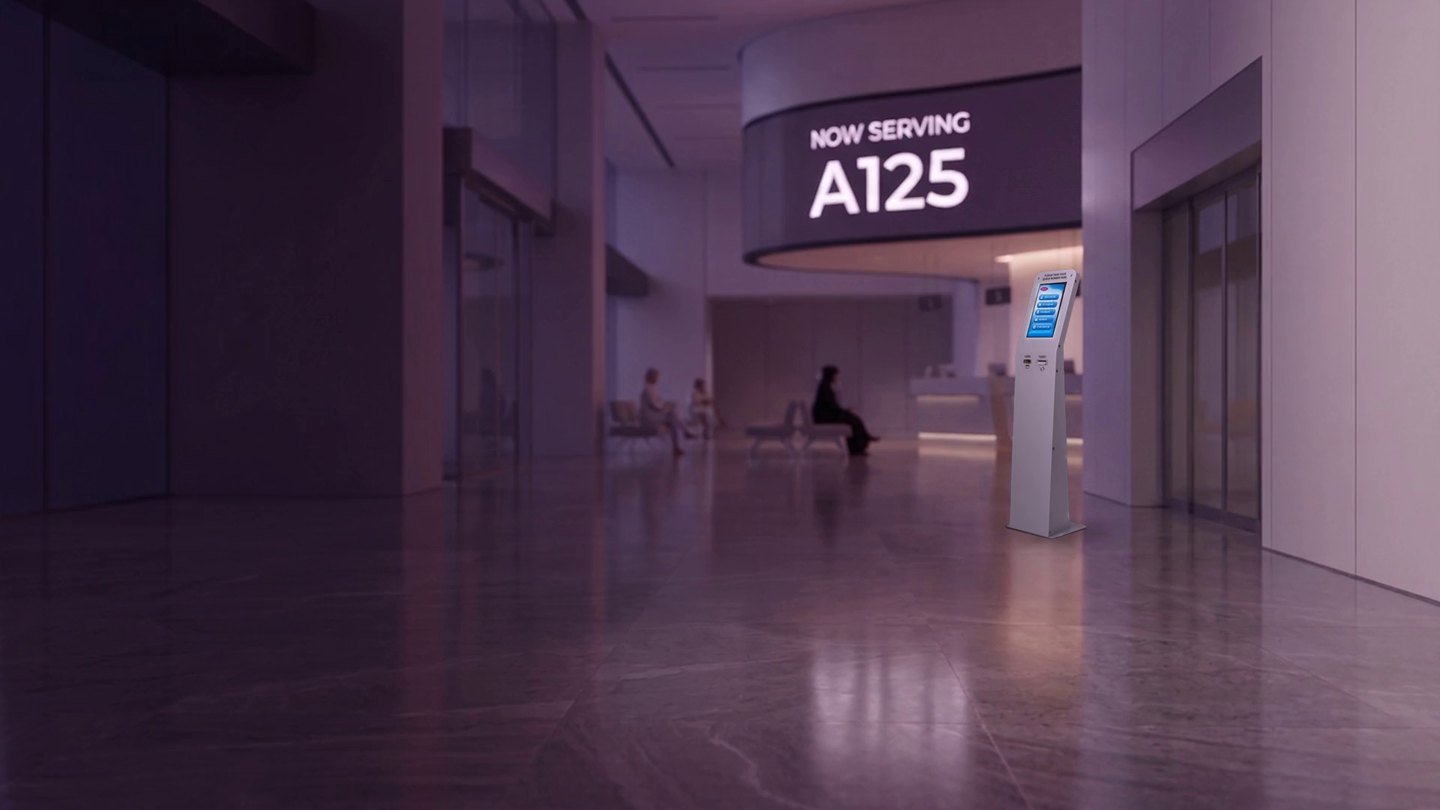
Visiting customers register their arrival, either with a pre-booked appointment or as walk-in customers. Our advanced QMS then manages the complete service journey, from waiting and customer calling to feedback collection, analytics and live management dashboards.
Designed to adapt to any business environment, QMS Middle East delivers a seamless and efficient customer experience at every touchpoint.

1,000,000+
customers served every day
536
corporate clients
10,000+
QMS systems installed

Your turn is next
B041 · please go to Counter 07
(01) MULTICHANNEL TICKETING
Take a ticket
from anywhere.
Be Productive, Not Stuck in a Queue
Work, Shop, Relax. We’ll Notify You When It’s Your Turn.
Virtual Queueing & Real-Time Customer Updates
Allow customers to join the queue remotely before arriving at your service location, eliminating unnecessary waiting and helping them make better use of their time. Customers can view their estimated waiting time, track their queue status in real time, and receive automated notifications and reminders directly on their mobile devices.
As their turn approaches, timely alerts ensure they are prepared and available when called to the service counter. This intelligent approach reduces crowding, improves customer satisfaction, minimizes perceived wait times, and enhances overall operational efficiency.
Key Benefits
- Join the queue from anywhere, before arrival
- View real-time queue position and estimated wait time
- Receive automated mobile notifications and reminders
- Be alerted when your turn is approaching
- Reduce waiting time and improve service convenience
- Increase productivity for both customers and staff


(02) PRODUCT FINDER
Hardware that
feels like furniture.
Bring Your Requirements into the Product Discussion
The software configuration, ticket issuance process and display screen options should be aligned with the service journey you want to deliver. Before evaluating solution features and deployment models, it is important to define your operational environment, including service locations, customer touchpoints and visitor groups.
Understanding how customers move through your service process helps ensure that the selected Queue Management System supports both business objectives and customer expectations.
It is equally valuable to consider the questions managers ask every day:
- What is happening in the waiting area right now?
- Which service stages are experiencing delays or require attention?
- Are staffing levels aligned with current demand?
- What insights would make the next operational review more meaningful and productive?
By identifying these questions early, reporting and analytics gain a clear business purpose. Instead of simply collecting data, the system provides actionable insights that support informed decision-making, continuous service improvement and better customer experiences.
A well-designed QMS does more than manage queues. It gives organizations the visibility needed to monitor performance, optimize resources and continually enhance service delivery.
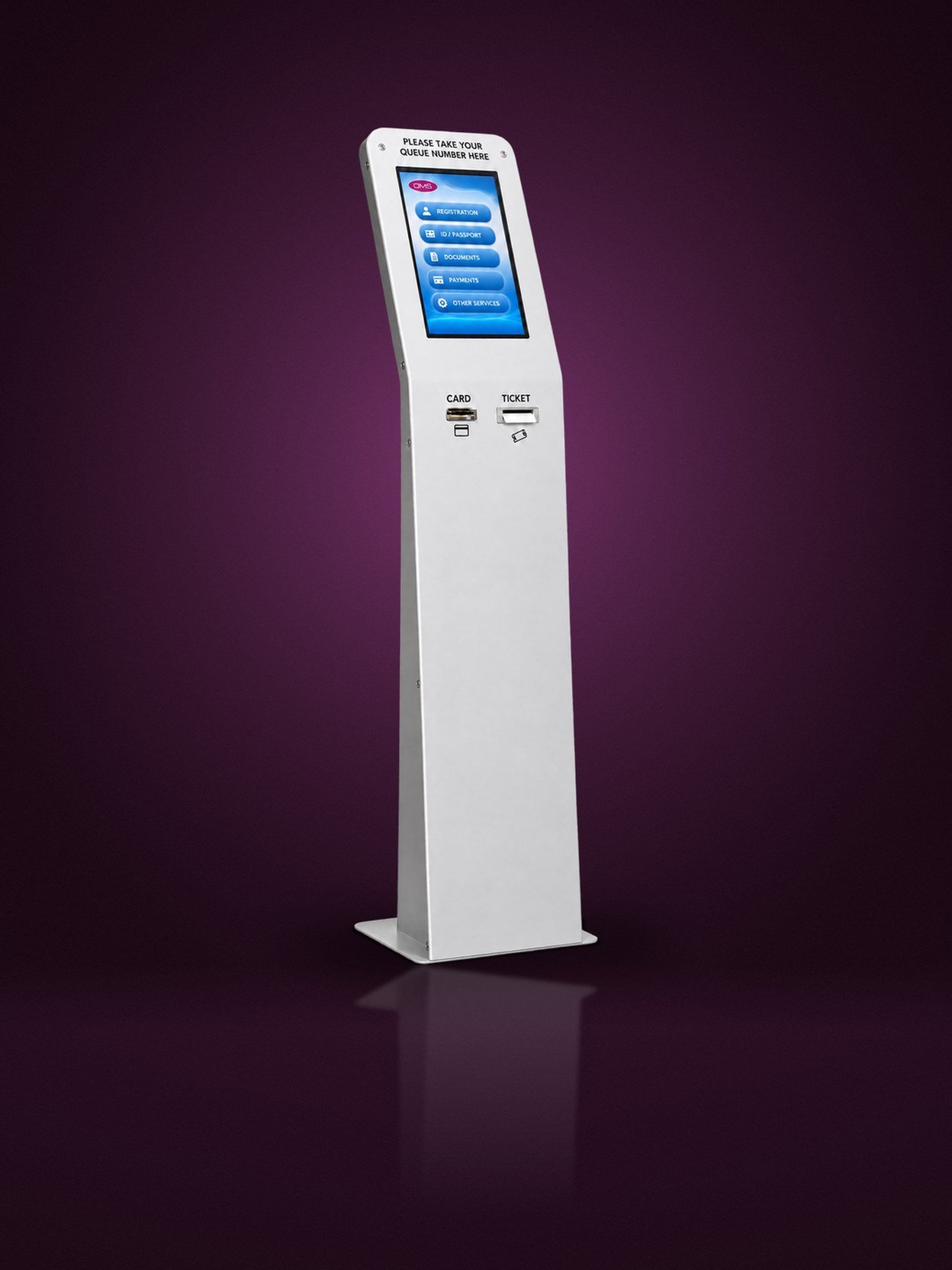
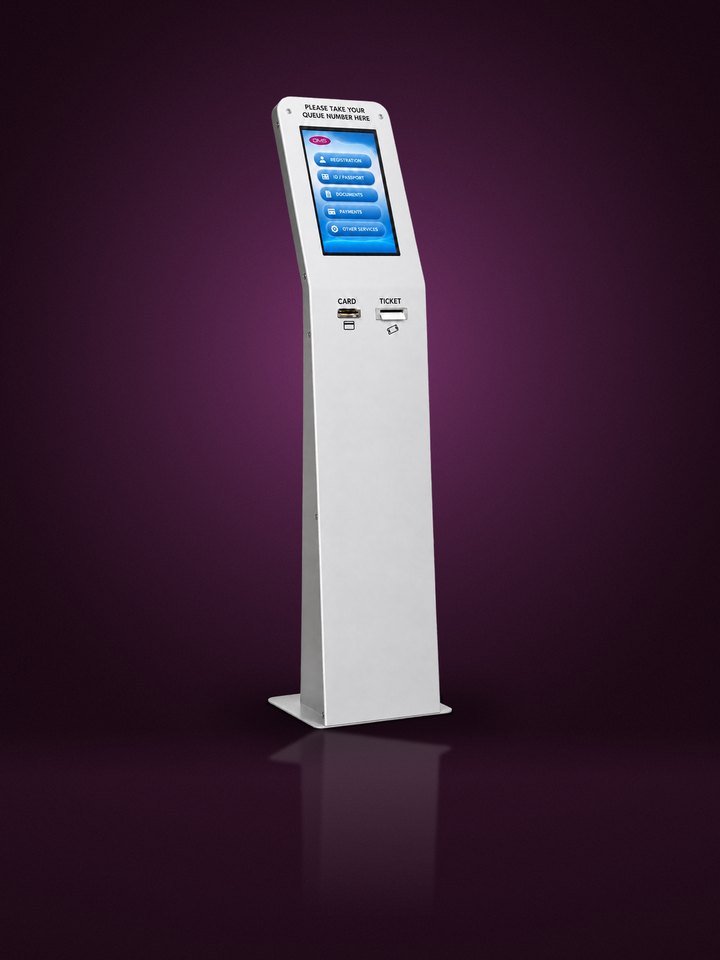

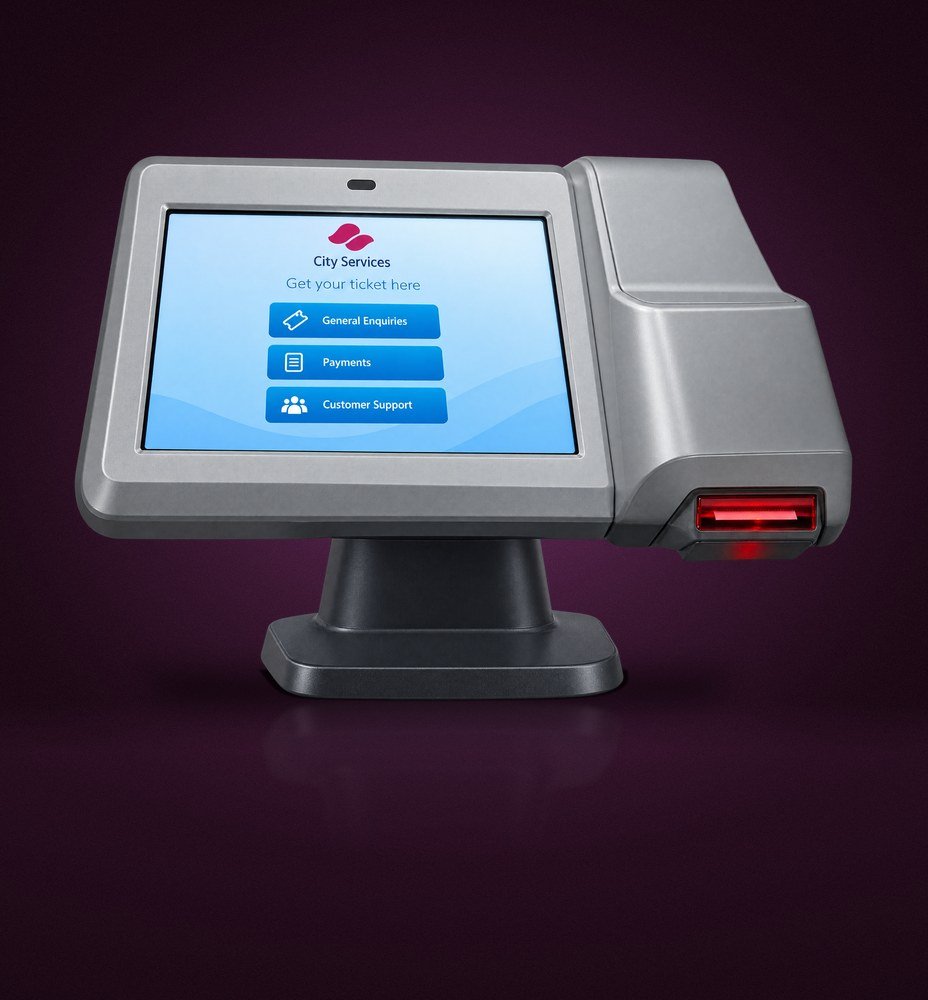

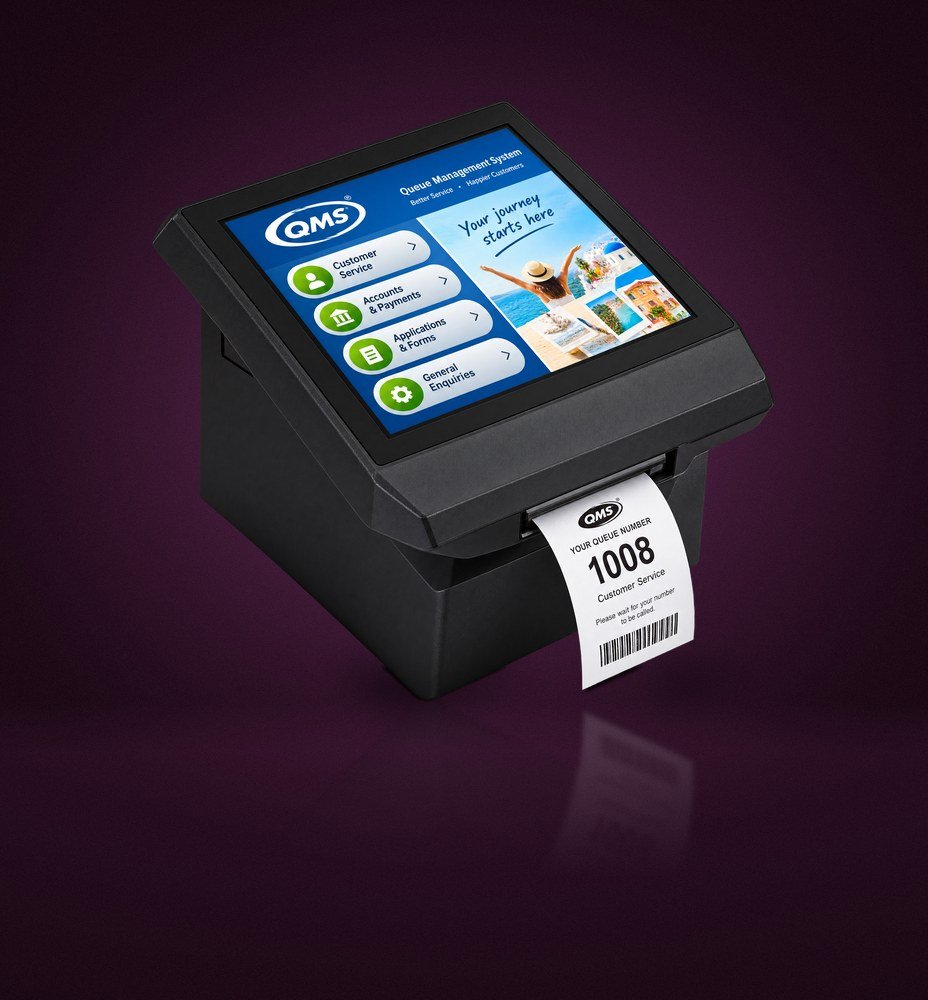
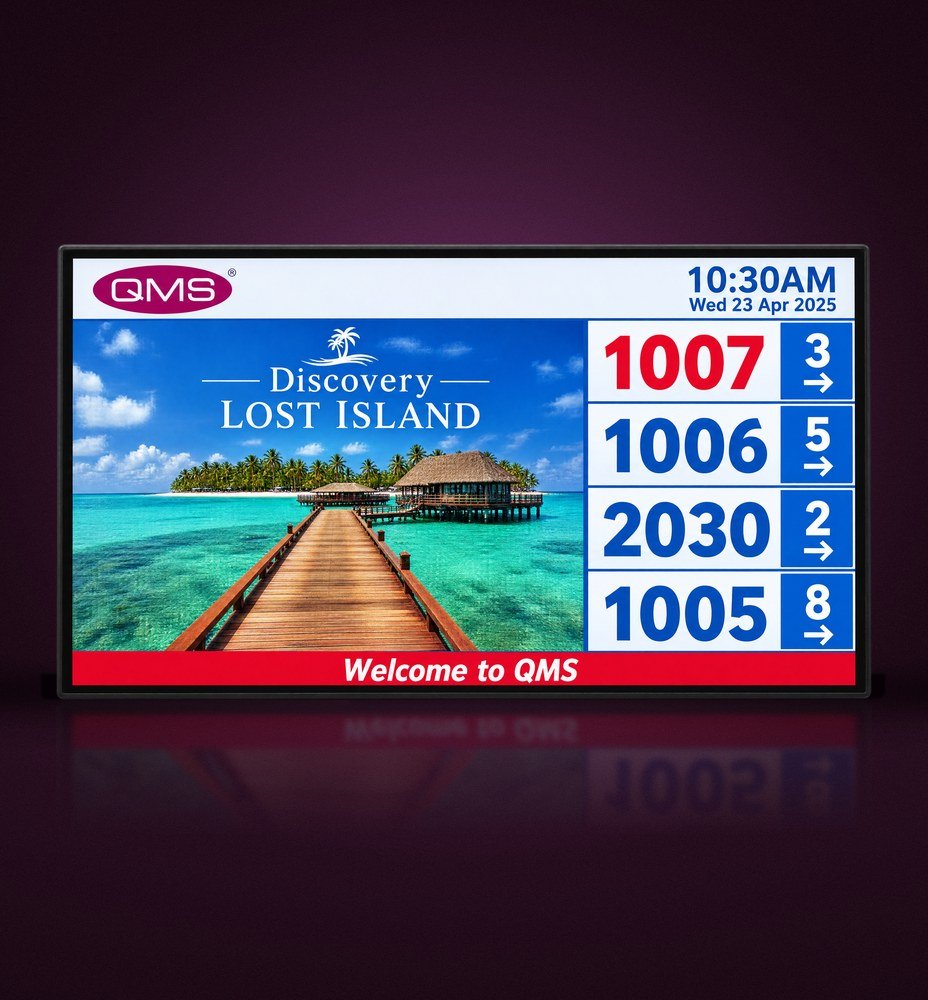
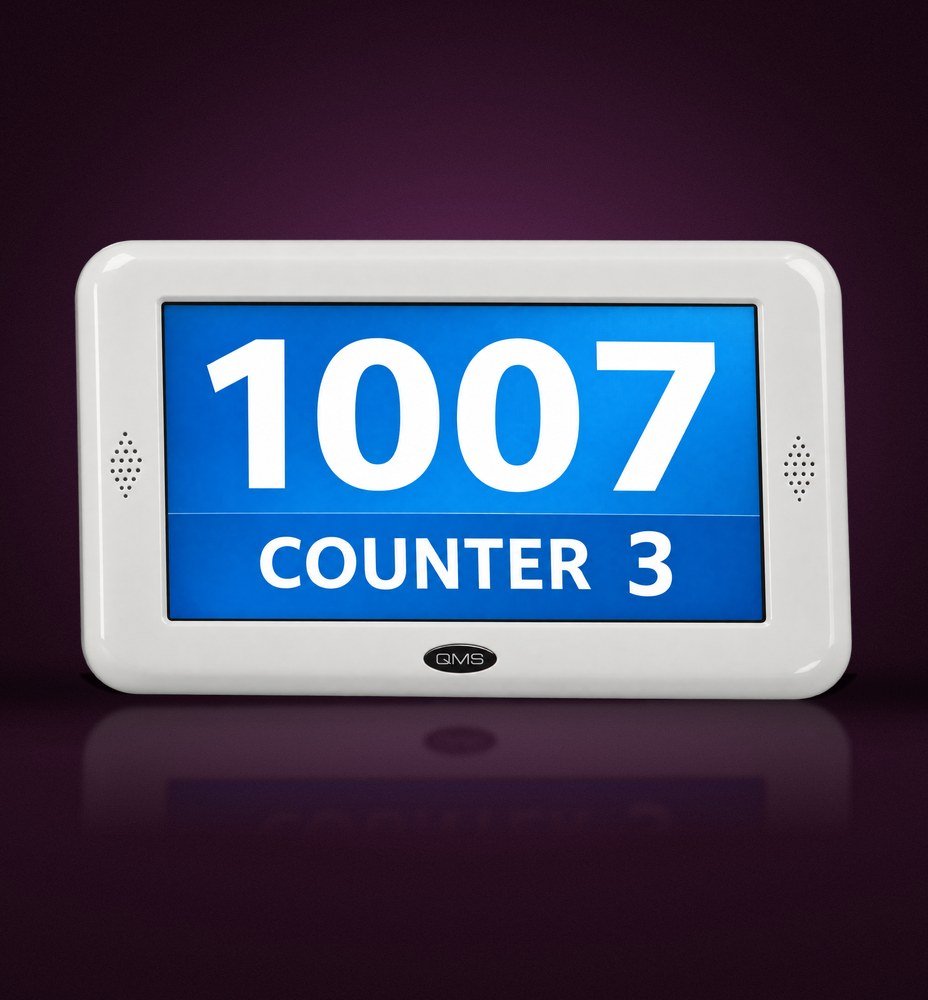
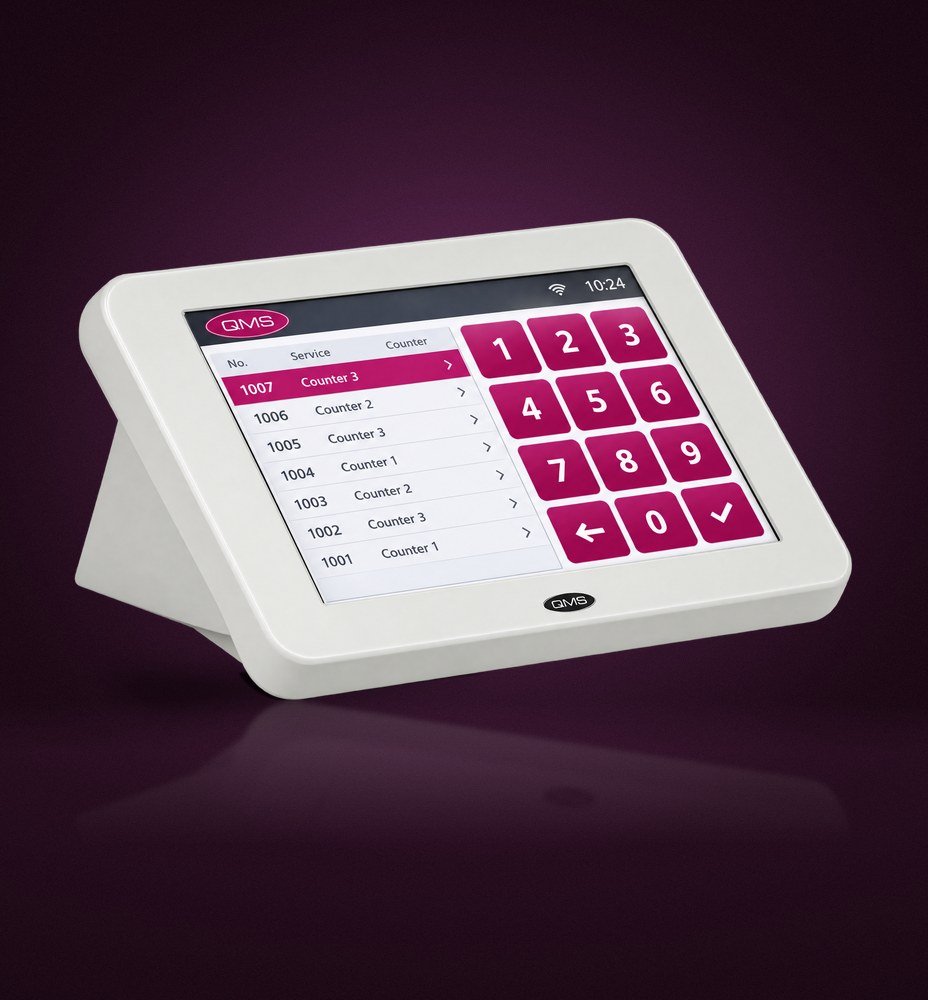
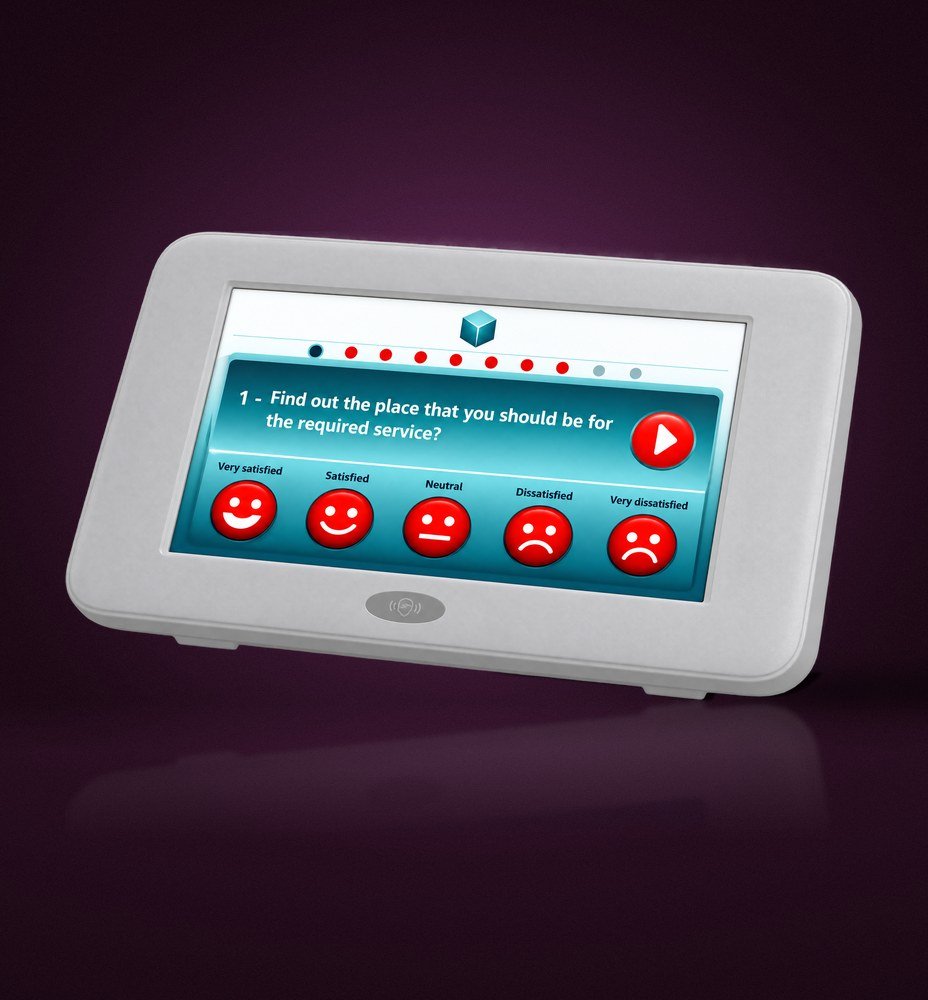
Products shown are original QMS hardware. Exact model names, screen sizes, interfaces and availability are confirmed in the official product matrix.
Discuss the selected software platform and licensing. Request a demo

(03) Visitor journey
One calm path,
door to feedback.
Every touchpoint is connected, ensuring that visitors always know where they are in the service journey and staff always know who is next in line.

01
02


03

04
05
Illustrative visitor journey. Timing, routing, notifications and languages depend on the agreed configuration.
When a visitor arrives at the customer service area, they can register their arrival through a self-service kiosk using an existing appointment reference or as a walk-in customer. From that moment onward, our state-of-the-art Queue Management System (QMS) seamlessly manages the entire customer journey.
The system intelligently automates every step of the process, from directing customers to the appropriate waiting area and keeping them informed with promotional and service updates, to calling them to the correct service counter. Following service completion, the QMS collects customer feedback, generates comprehensive analytical reports, and provides real-time management dashboards for enhanced operational visibility and control.
Our flexible QMS solutions can be tailored to any business environment and customer journey, helping organizations deliver a more efficient, organized and engaging service experience. Explore the possibilities and discover the solution that best aligns with your business requirements and service processes.

(04) Sectors
Built for every
service hall.
Government
Telecom
Retail
Utilities
Education
Airports
Find the right starting point for your sector
In government service centres, visitors arrive for many different services and expect clear guidance in Arabic and English. Explore the government page for ticketing, appointments, accessibility and SLA reporting.
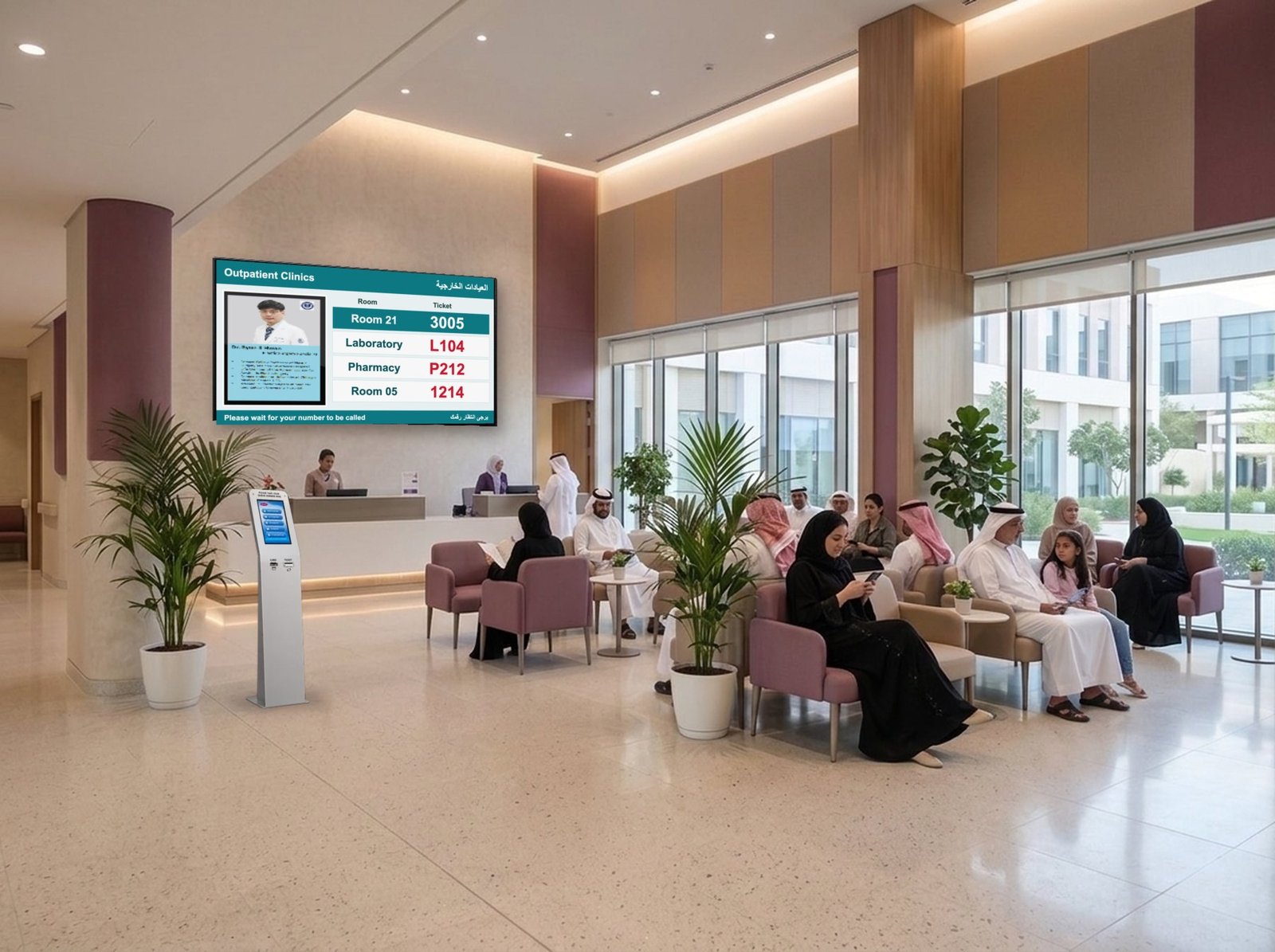
In healthcare, a visit may move from registration to consultation, payment and pharmacy. The focus is on helping patients understand the next service step while matching the facility’s operational process. Explore the healthcare page for patient-flow questions.
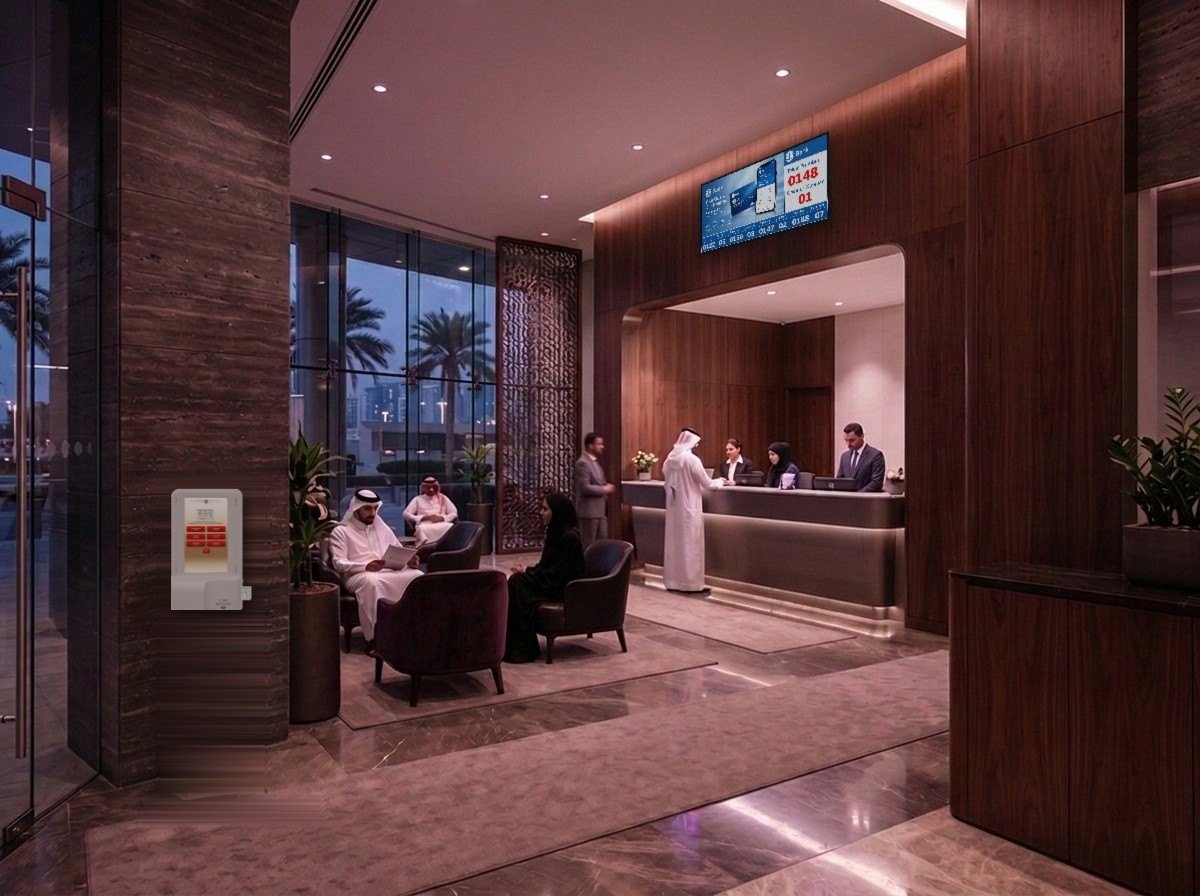
In banking and finance, customers arrive for different services and branch teams need a clear view of the queue. Explore the banking page to consider service selection, counter calls and reporting requirements.
Each setting has its own priorities. Use the sector pages to start the conversation, then define the details of your own operation.




(05) Analytics
Every branch,
one live view.
01
Centralized dashboard
Alongside a separate dashboard for each branch, centralized dashboard and analytical reporting software show every branch in one live view.
02
Staff performance
Review counter activity, service times and staff performance across all branches.
03
Custom reports
Reports can be customized to meet any specific format of information, with scheduled exports and integrations.





Illustrative dashboard · synthetic sample data. Confirm available measures and exports.
(06) Platform
One platform,
plugged into yours.
QMS integrates with any third-party application, so queue data can flow into the systems you already use. Discuss hosting, devices and integration requirements with your IT team before implementation.
Cloud or on-premise
Arabic & English
Multi-branch
Role-based access
Open REST API
SSO / Active Directory








SMS gateway
CRM
HIS / EMR
Core banking
Active Directory
REST API
Power BI
Illustrative architecture. Hosting, APIs, permissions and integrations require technical confirmation.
(07) Our clients
Trusted by 536organisations.
From ministries and banks to hospitals and telcos, over a million people take a QMS ticket every single day.
customers use our QMS every day
corporate clients
QMS systems installed



(09) FAQ
Questions,
answered.
What does a queue management system do?

It helps organise the order in which people receive service and directs them through a defined process. The available channels, routing and reporting depend on the selected configuration.
Where should we start when choosing a system?
Map a typical visit, including arrival, waiting, service and any transfer to another point. Then list the exceptions your team handles. That provides a useful basis for a product discussion.
Can we discuss remote joining or appointments?
Yes, include those requirements in your enquiry. Specify the channel and journey you want, then ask for confirmation of the relevant configuration, prerequisites and licensing before making a selection.

