 About QMSالعربيةRequest a demo
Home/Products/Feedback terminals
Feedback terminals
Customer feedback terminals, at the moment of service.
A customer feedback terminal is a small tablet on the counter where visitors rate their service with a single tap. QMS feedback terminals link every rating to the counter, service and time, and the screen can show your information between ratings.
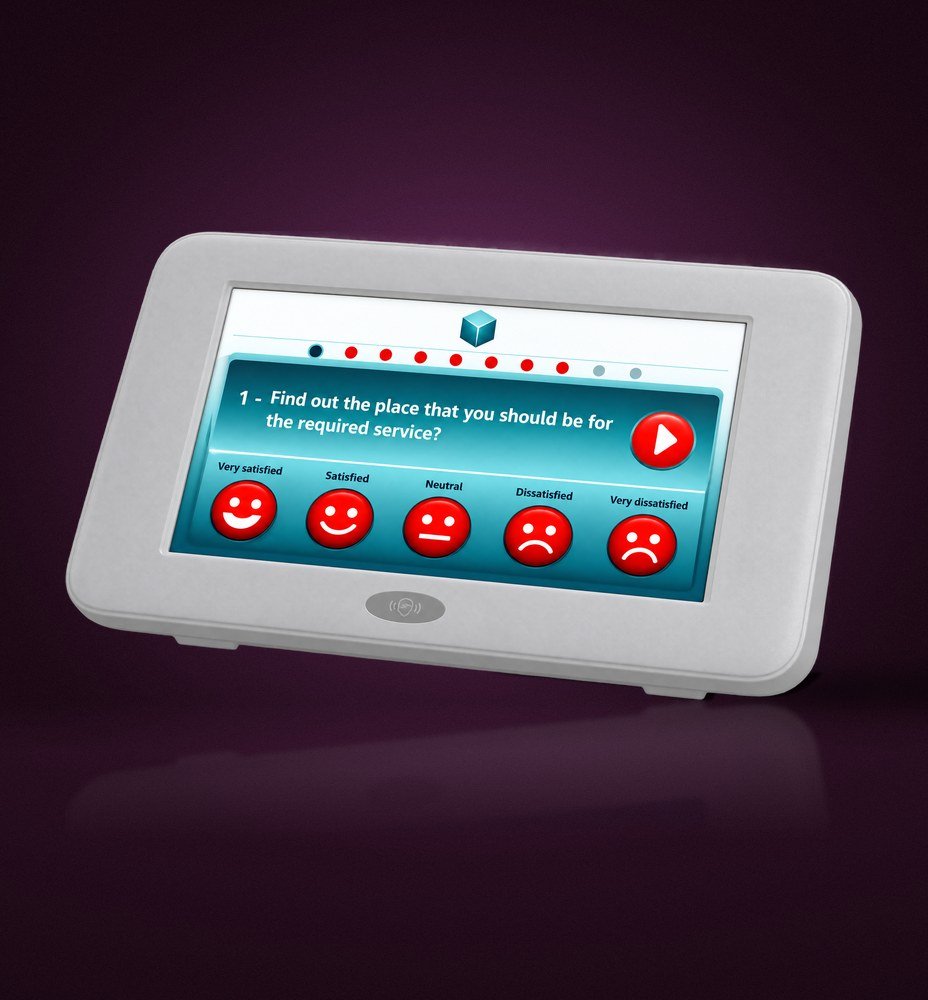 QMS feedback tablet
Feedback tablet
Feedback tablet for every counter.
A clear screen with five large rating faces, from very satisfied to very dissatisfied. Visitors answer in a second and staff do not need to ask. You choose the questions and change them centrally whenever you need.
- Five-point rating faces
- Questionnaires managed from the web console
- Each rating linked to the counter and service
- Results in real-time dashboards
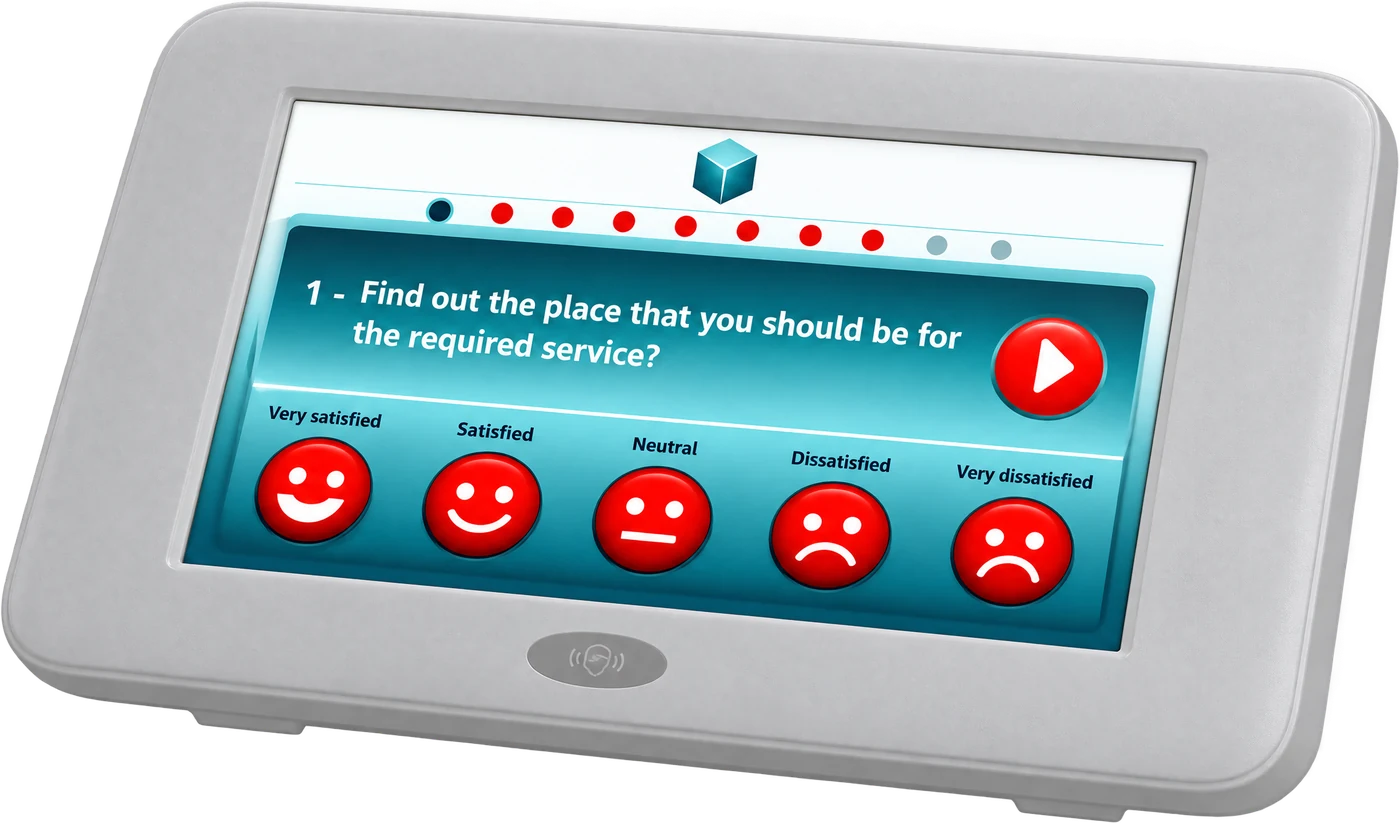
Interactive Customer Service
Inform, advertise and measure at the counter.
The QMS Interactive Customer Service system adds an Interactive Customer Terminal with a multimedia touch screen at each counter. It shares information and advertising during the service, then captures the visitor’s rating when it ends.
Touch screen
A multimedia LCD panel that visitors can read and use at the counter.
Advertising
Promote products and services to a visitor who is already engaged.
Customer feedback
Satisfaction ratings captured at the end of every service.
Reports
Feedback and engagement results alongside your queue data.
Related products
Complete the counter.
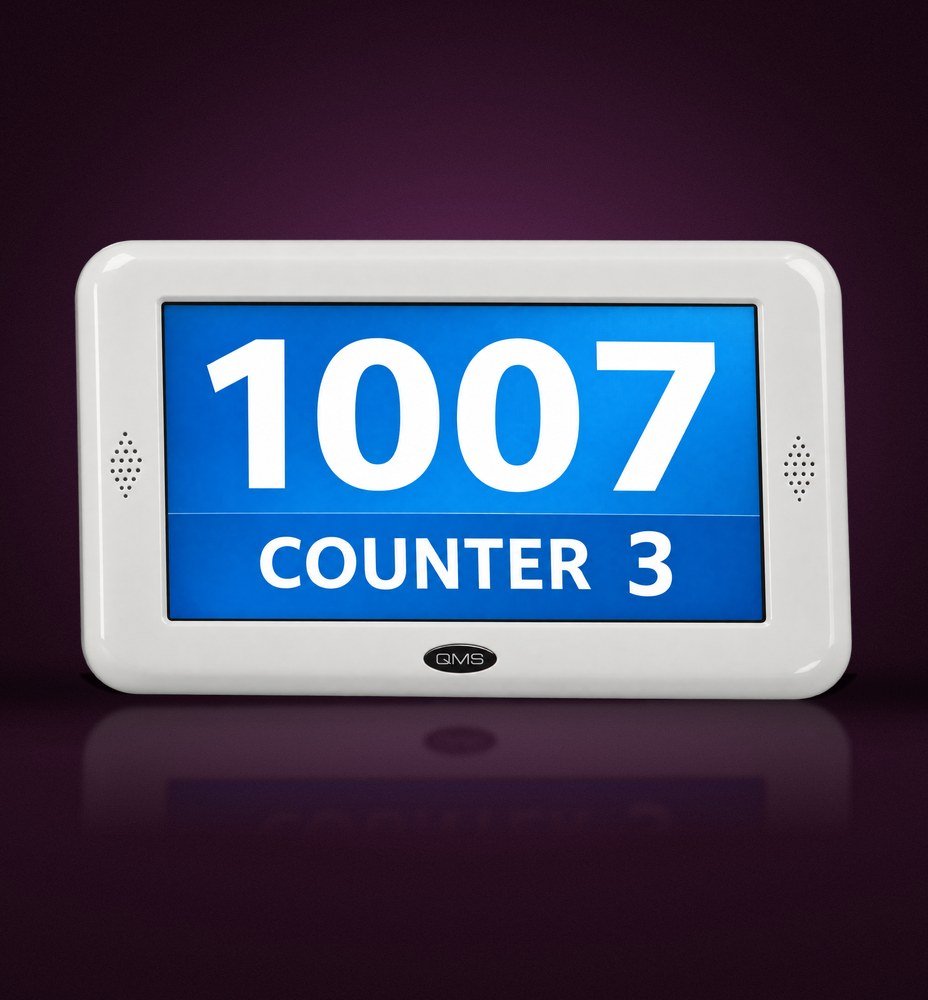
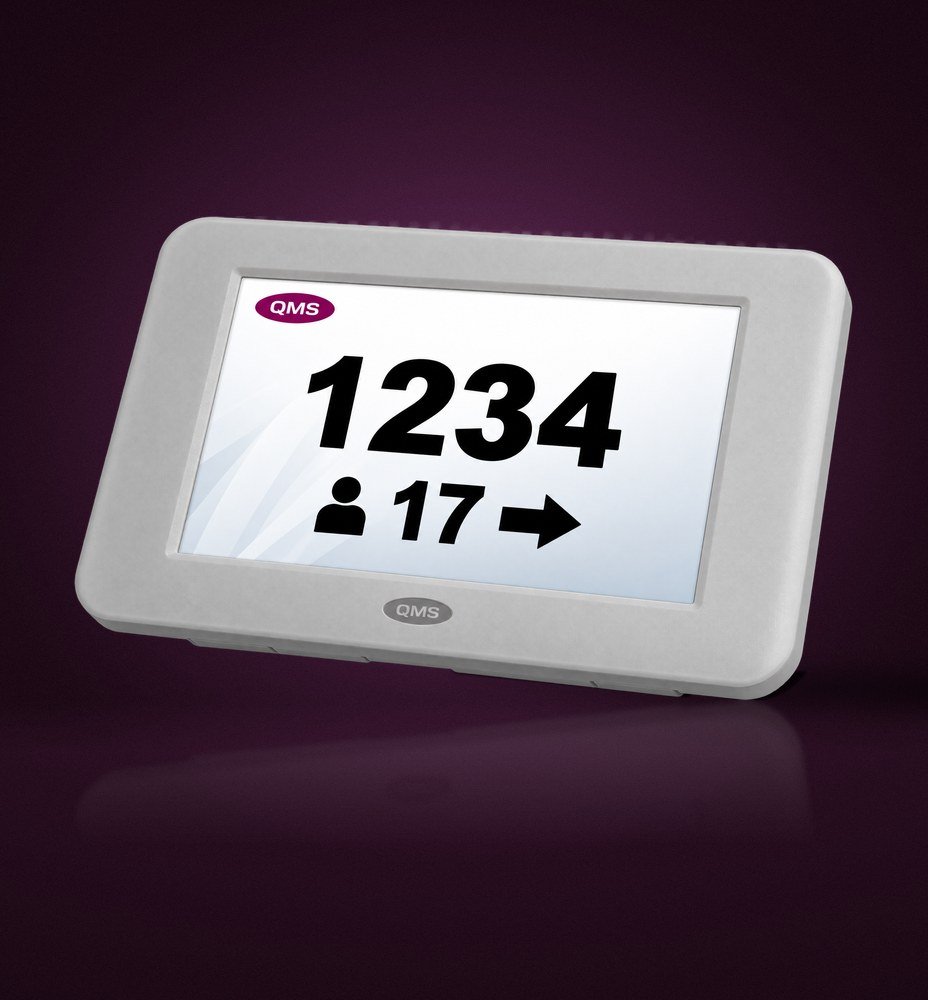
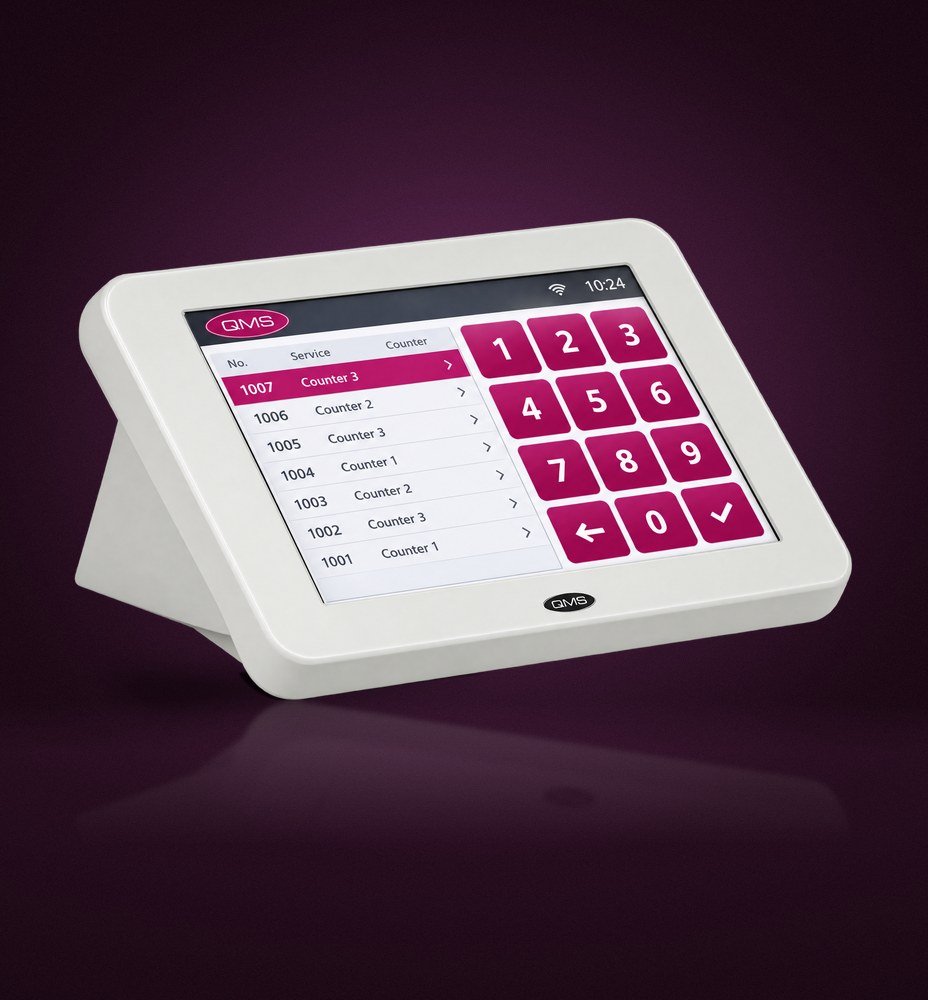
Products shown are original QMS hardware. Terminal options are confirmed for each project.
FAQ
Feedback terminal questions
Where should feedback terminals go?
On each counter facing the visitor, or at the exit as a single rating point for the hall.
Can ratings be seen by counter and service?
Yes. Each rating is matched to the counter and service, so you can see results for every desk and every service.
Do the terminals need separate software?
No. They are part of the QMS platform and report into the same dashboards as the queue.
See feedback dashboards in action.
We will show how ratings from the counter appear in QMS reports next to waiting and service times.